Cruise

How to Download the Disney Cruise App and Link Your Cruise Vacation

How to Download the Disney Cruise App and Link Your Cruise Vacation

To manage your Disney Cruise vacation, guests will need to download the Disney Cruise App and create a MyDisney Experience account If they do not already have one. 

If you have never created an account with Disney, you will need to follow these steps.  However, if you have a Disney+, shopDisney account, D23 membership, visited another Disney theme park, or interacted with Disney in another way you can use those credentials instead of creating a new account.

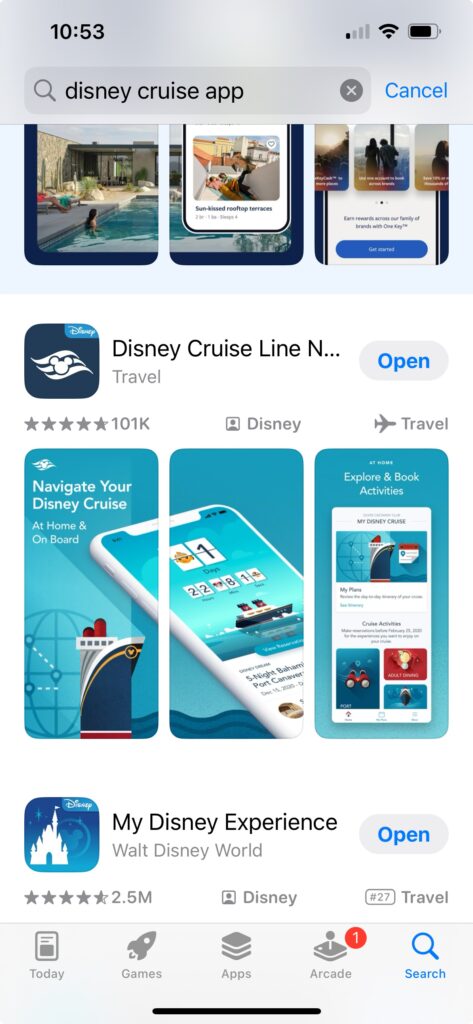
First download the Disney Cruise App for the Apple or Google Store.

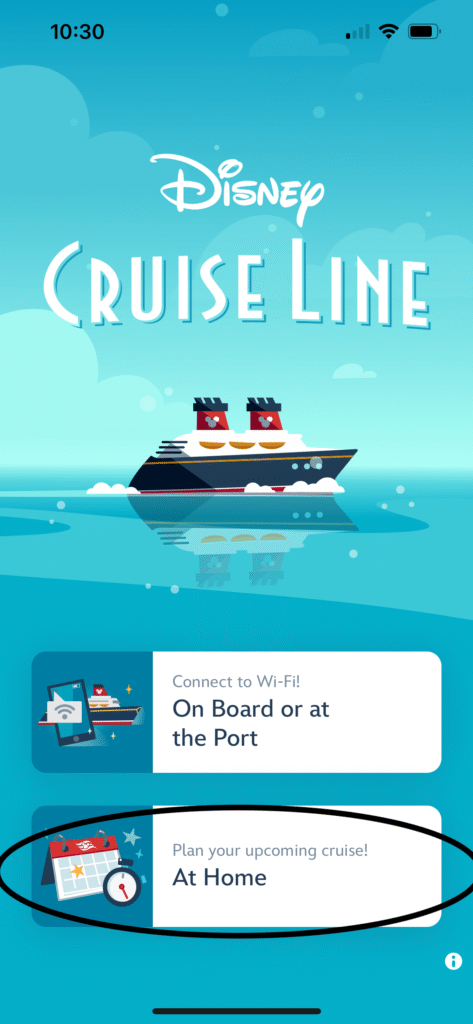
Open the Disney Cruise App

Click Plan your upcoming cruise At Home

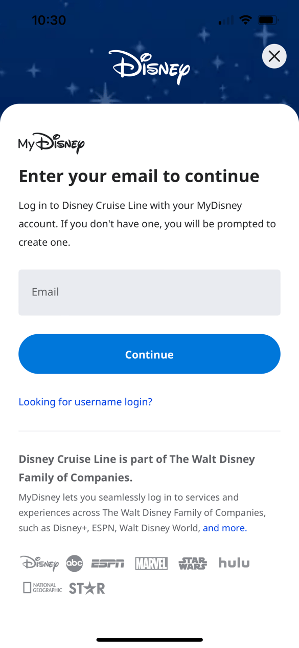
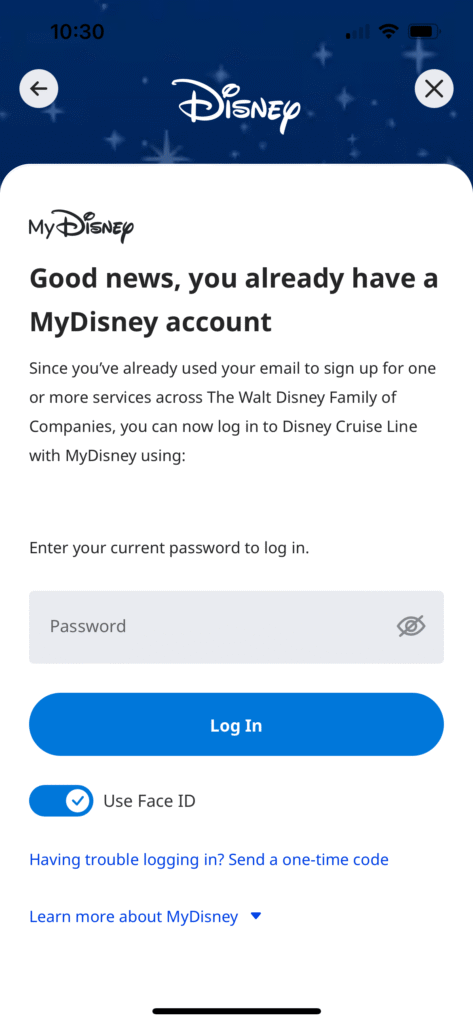
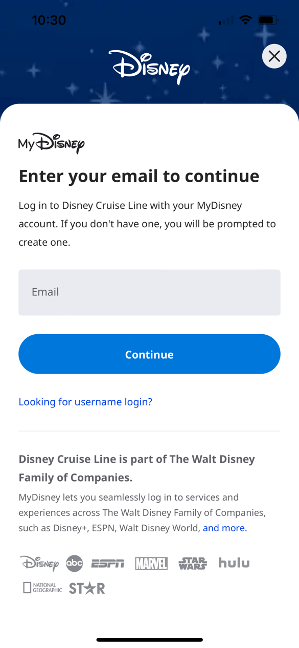
If you have a MyDisney Account Log In.

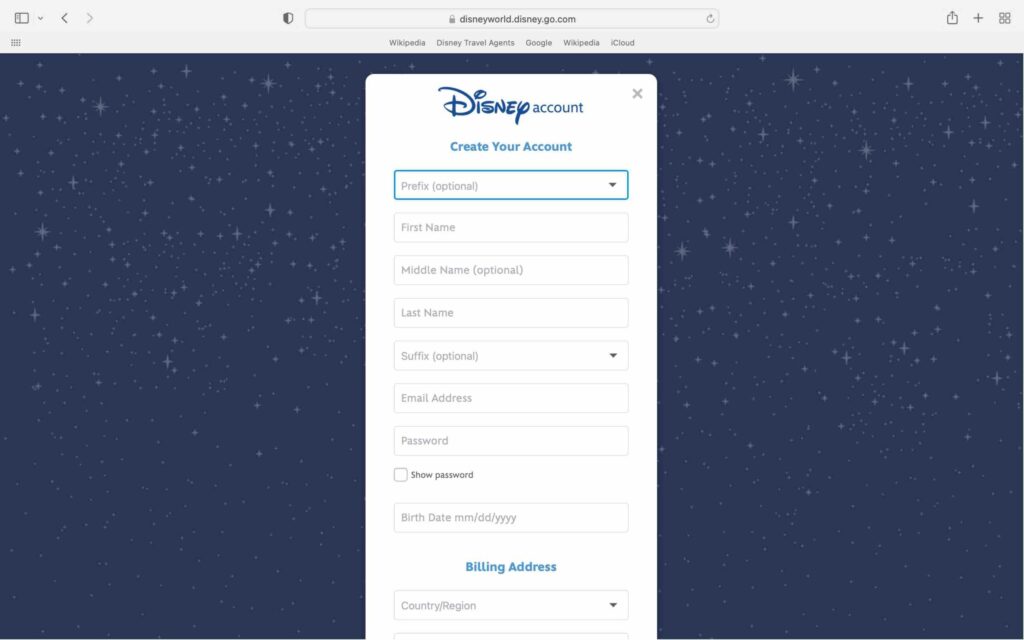
If you do not have an account, Click Continue to set up an account

Complete the information and Select Create Account.

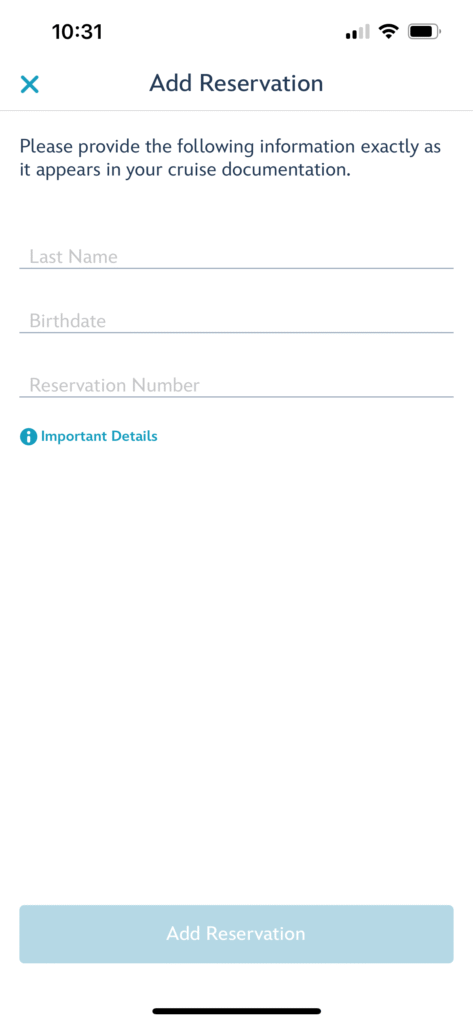
Once your account is set up or you have logged in, you will be prompted to link your cruise. 

Complete the reservation details and Click Add Reservation.

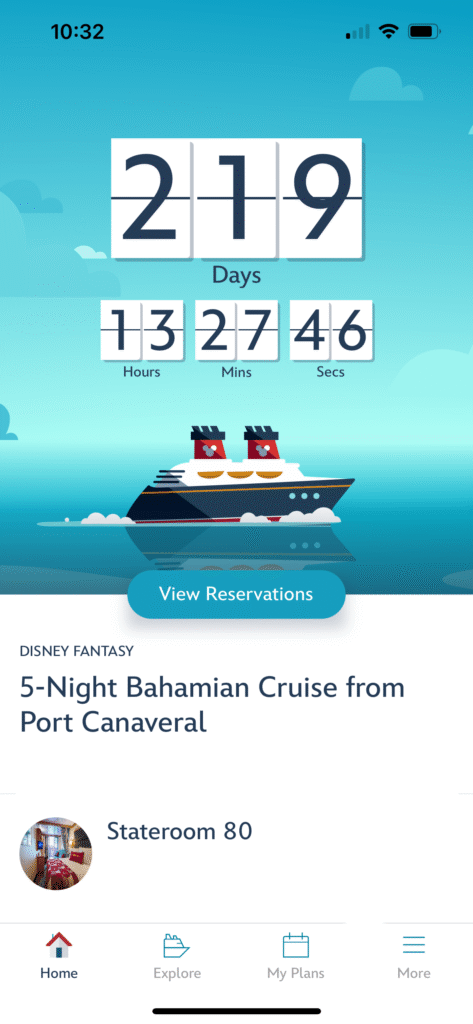
You are all set!  You can now view and manage your Disney Cruise vacation. 

Leave a Reply

Your email address will not be published. Required fields are marked *

This site uses Akismet to reduce spam. Learn how your comment data is processed.

Back To Top
Social media & sharing icons powered by UltimatelySocial
Verified by MonsterInsights